The margin
The margin is part of level 1: nothing to configure beyond turning it on. It is off by default and changes nothing in how comments are stored.
Turning it on
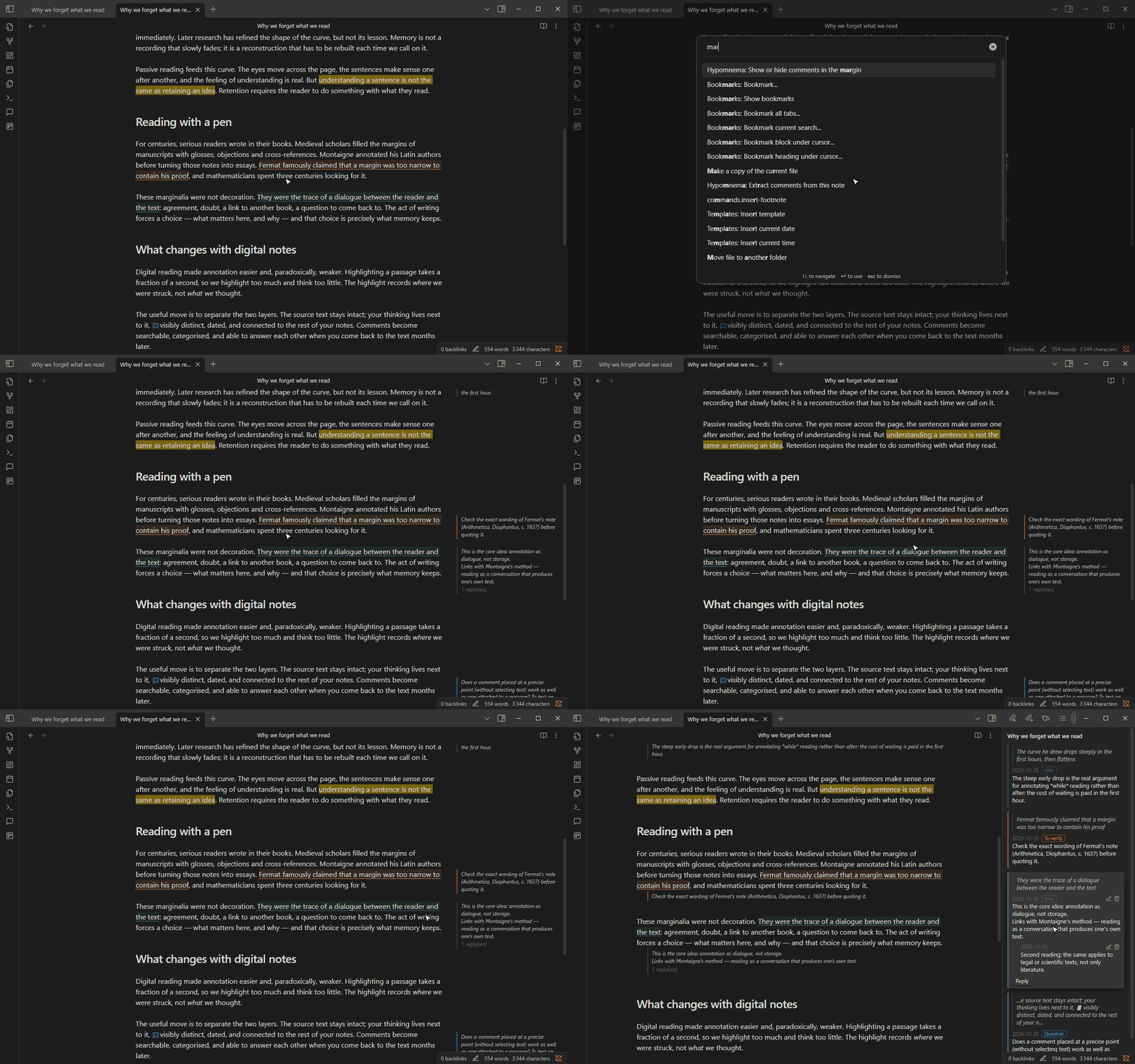
Section titled “Turning it on”Turn on Comments in the margin in Settings → Hypomnema, or run the command Show or hide comments in the margin. Each comment then sits beside its passage, in the colour of its category.
Hovering a margin note highlights its passage. Clicking it opens the thread in the panel, where you still write and reply: the margin is for reading, the panel for writing.
The Margin content setting shows either the comment alone or the whole thread.
Narrow panes
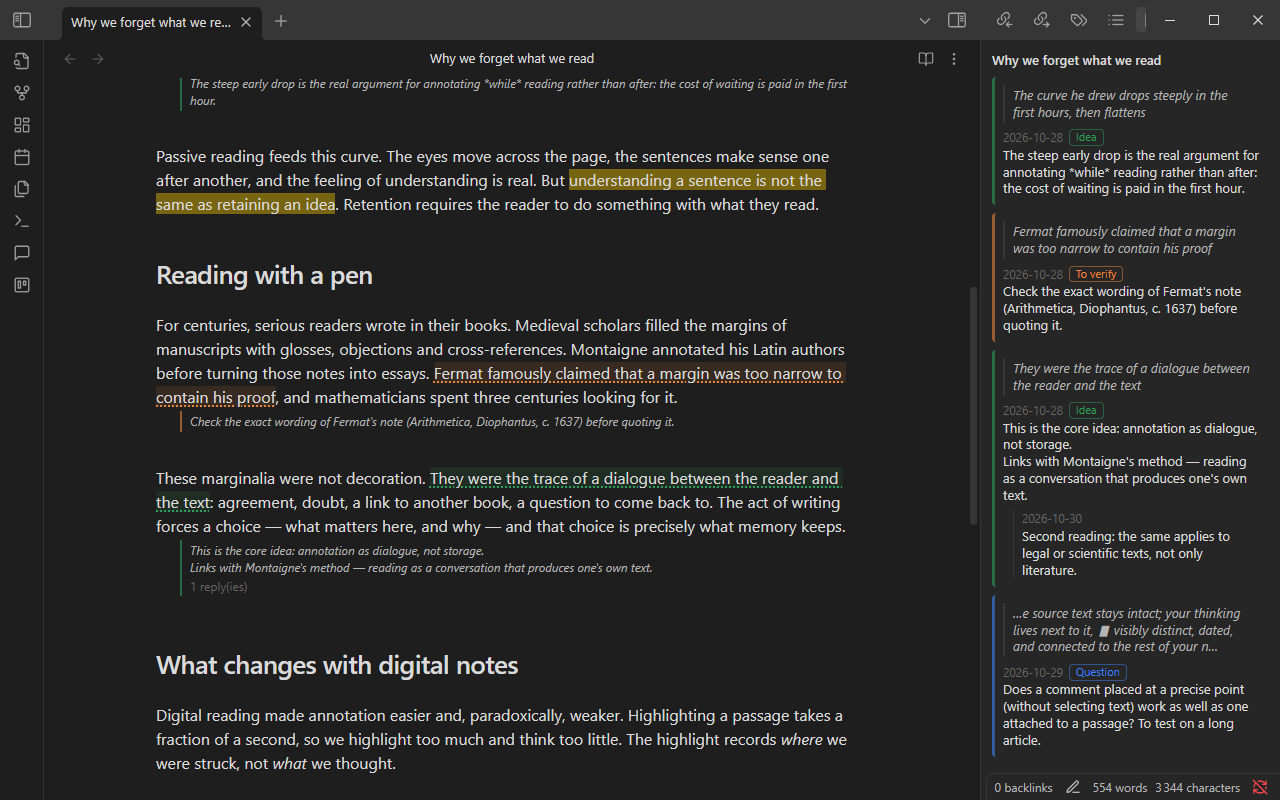
Section titled “Narrow panes”When the pane is too narrow for a margin (side panel open, small screen, Readable line length turned off), each comment moves below its paragraph instead.
Limits
Section titled “Limits”Margin comments appear in Live Preview and source mode, not in reading view.
The method note The margin explains the reading practice behind this feature.