Kanban
The Kanban plugin is not required: without it, a Kanban extraction is still a readable Markdown note of headings and tasks. With it, the note opens as a board.
What it brings
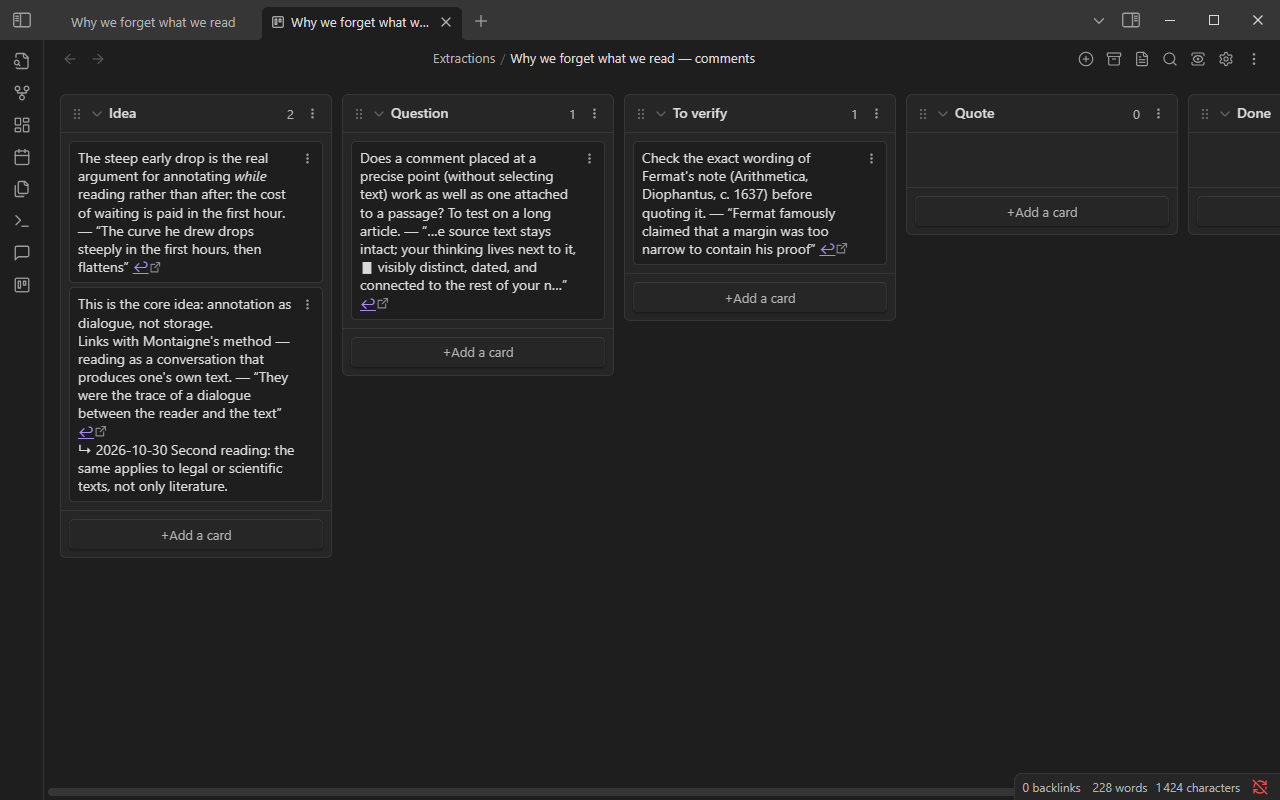
Section titled “What it brings”A board turns the extraction into a review. Each comment is a card you move once you have dealt with it: written the note, checked the source, answered the question. The ↩ link on each card leads back to the passage.
Minimal recipe: a review board per reading
Section titled “Minimal recipe: a review board per reading”Set Format to Kanban board in Settings → Hypomnema → Extraction. Run Extract comments from this note. Each category becomes a column, plus an empty Done column.
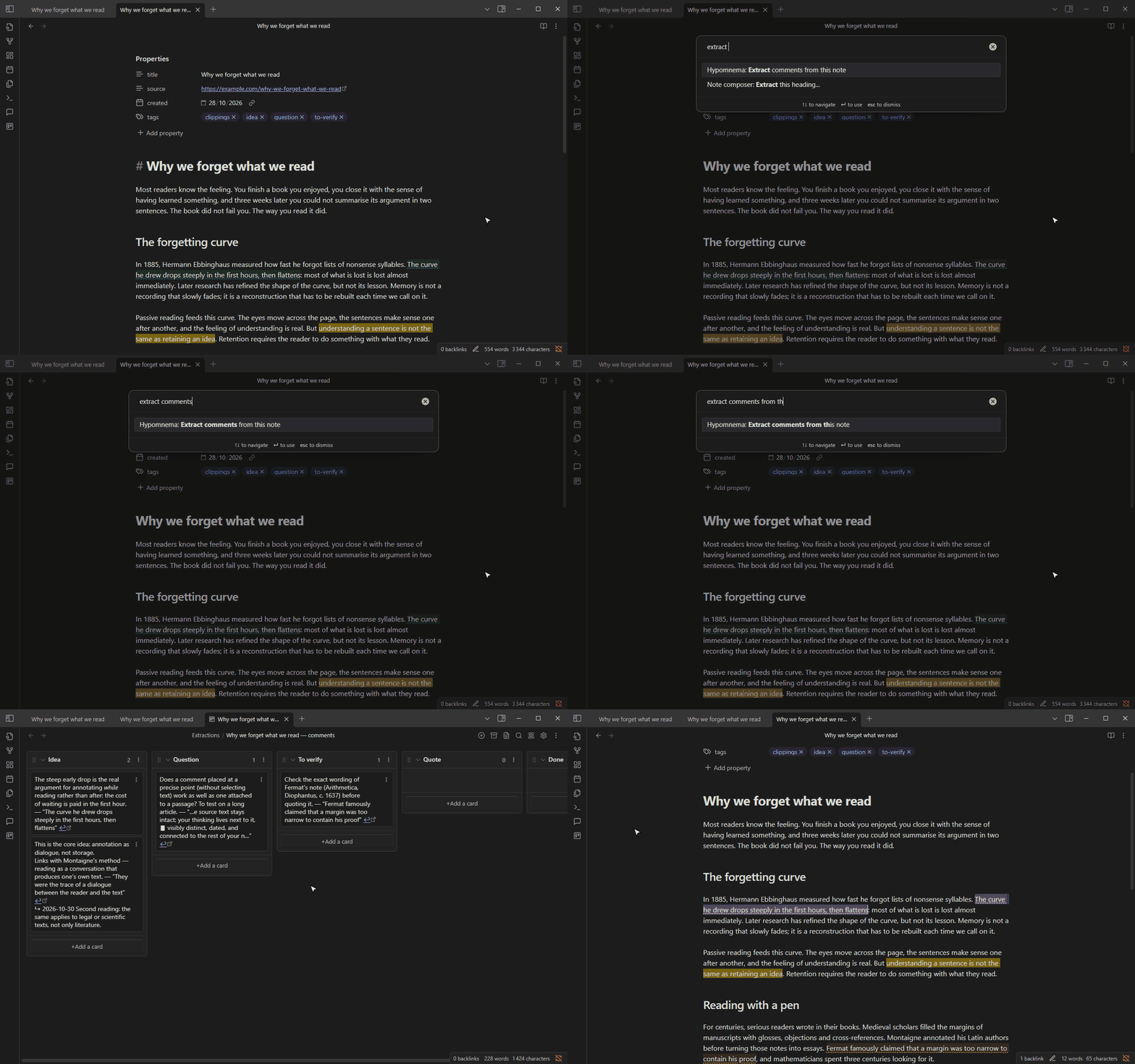
Move a card to Done once you have dealt with the comment. Extracting again later only adds the comments written since, in their category’s column; the cards you moved stay where they are.
Variant: a weekly board across the vault
Section titled “Variant: a weekly board across the vault”An Extraction gesture with scope Whole vault, Active since set to {{date-7d}} and the Kanban format collects the week’s comments from every note on one board. The method note Periodic review gives the full setting.
A template does not apply to the Kanban format: the structure the Kanban plugin expects is too strict to mix with free text.